
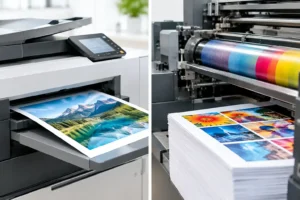
Digital Versus Offset Printing for Your Job
Digital versus offset printing explained for Australian businesses. Compare cost, speed, colour, quantities and the right choice for your next print run.
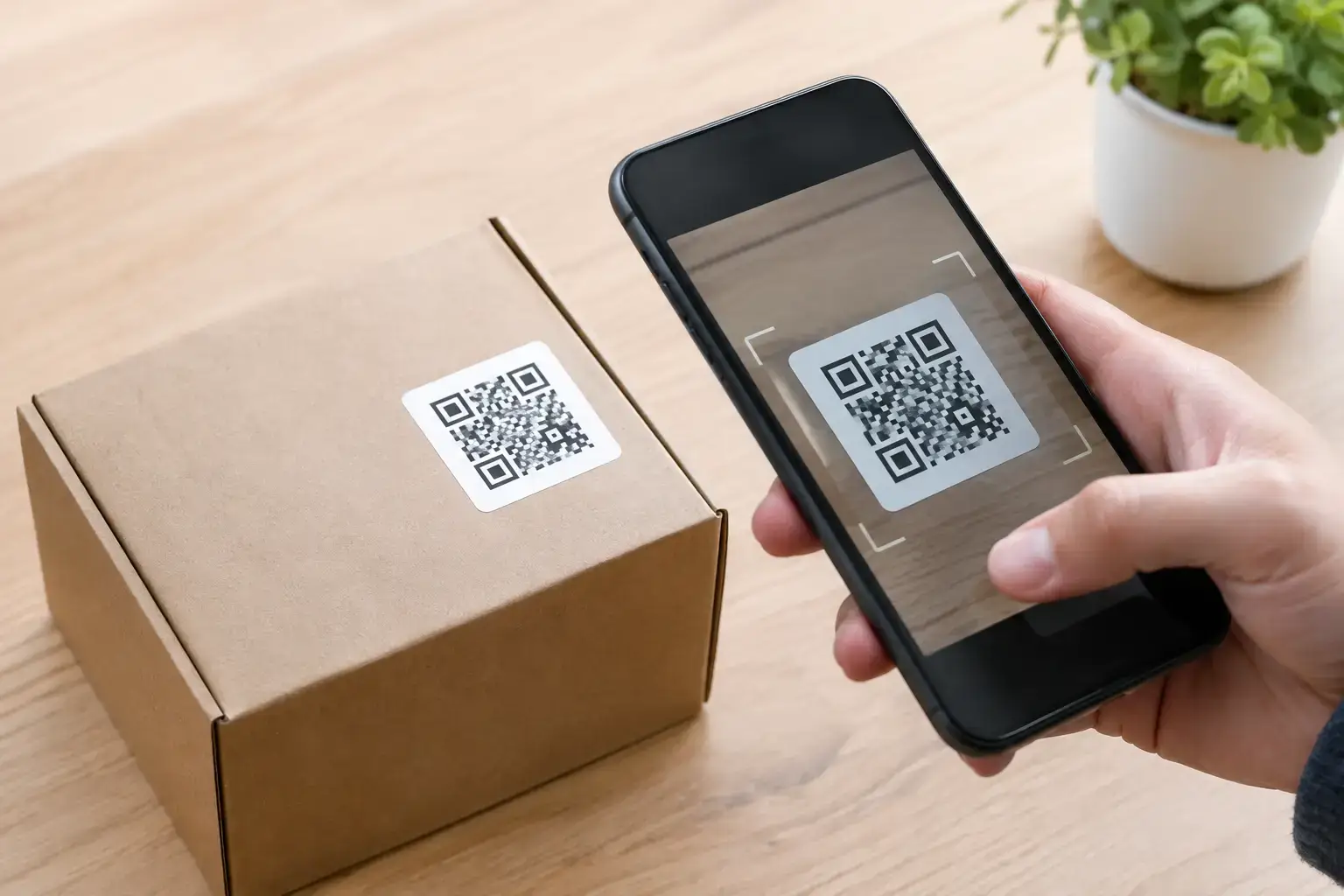
A QR code sticker can turn a coffee cup, product jar, shop window or ute into a direct path to your menu, booking page, review form or special offer. But creating QR code stickers is not just a matter of dropping a code onto a design. If the code is too small, distorted, hidden in glare or sent to the wrong page, customers will not scan it – and the sticker has missed its job.
The best QR stickers make the next step obvious. They look good, scan first time and hold up wherever your customers find them. Here is how to plan them properly before they go to print.
Before choosing a sticker shape or colour, decide exactly what you want someone to do after scanning. A QR code that leads to a general homepage can work, but it often asks the customer to do more work than necessary. A direct link is usually better.
For a café, that might be the current menu or a Google review page. For a tradie, it could be a quote request form or gallery of recent work. Product brands may send buyers to usage instructions, ingredients, a reorder page or a competition entry. At an event, a QR code can open a run sheet, map, ticket details or photo gallery.
Keep the destination relevant to where the sticker appears. A code on a product label should help after purchase. A code on a counter display should encourage a decision there and then. A code on a vehicle needs a simple action that makes sense when someone scans it later, such as saving your contact details or requesting a quote.
A static QR code holds its destination permanently. It is a straightforward option when the link will not change, such as a business website or a long-term product information page. Once printed, however, it cannot be edited. If the web address changes, the sticker needs replacing.
A dynamic QR code points to a redirect that you can update later. This is useful for seasonal campaigns, changing menus and marketing activity where tracking scans matters. The trade-off is that dynamic codes are generally managed through a QR platform, which may involve an ongoing subscription. Check what happens to the code if you stop paying for the service before committing it to thousands of stickers.
For either option, use a destination you control where possible. Short-lived social posts, temporary file-sharing links and pages that require a customer login are poor choices for printed QR stickers.
A QR code is functional artwork. It needs enough breathing room, strong contrast and a sensible size to work across different mobile cameras and lighting conditions.
Black on white remains the most reliable QR code treatment. You can use brand colours, but the code itself needs to stand out clearly from its background. Dark code on a pale, solid background is generally safe. Pale colours, gradients, metallic effects and busy product photos behind the code can make scanning unreliable.
Leave a clean border around all four sides of the code. This blank margin is called the quiet zone, and it helps a phone recognise where the code begins and ends. Do not crop it tightly, run text into it or place a decorative border over it.
Avoid stretching the code to fill an odd shape. A QR code must remain square. You can print it on a round, rectangle, die-cut or square sticker, but the code itself should not be squashed, skewed or curved around a container.
Sticker size depends on scanning distance. A small code on a jar or takeaway cup may be fine at around 20 to 25 mm square, provided the code is simple and printed sharply. A code viewed from a metre or more away, such as one on a window, counter sign, trailer or vehicle, needs to be much larger.
The more information built into the QR code, the denser its pattern becomes. Long web addresses create smaller squares within the code and can be harder to scan at small sizes. A clean, short URL can help, provided it still points to a reliable destination.
If you are unsure, err on the side of a larger code and test a printed sample. What looks generous on a computer screen can become tiny once it is placed on a bottle, helmet or shopfront.
A QR code without a message can be ignored. Add a short call to action that tells people what is in it for them. “Scan for the menu”, “Leave us a review”, “Book a free measure and quote” or “Scan for 10% off your next order” is clearer than simply printing “QR code”.
Keep the wording honest. If customers scan for an offer, take them directly to the offer. If the code opens a video, say so. Clear expectations increase scans and reduce frustration.
The right material protects both your brand and the scannability of the QR code. Paper labels can suit dry, short-life packaging, while vinyl is a stronger choice for products, equipment, windows and outdoor use.
For outdoor signage, vehicles, boats, bins or hard-working tools, choose a durable vinyl sticker designed to handle sun, rain and regular handling. A matte finish can be a practical option where bright light or glare may hit the code. Gloss can look sharp and colourful, but it is worth testing if the sticker will sit in direct sun or under strong shop lighting.
Clear stickers can create a premium look on glass or coloured packaging, but they need extra thought. A QR code printed straight onto a transparent sticker may lose contrast once the background shows through. Printing white ink behind the code can preserve the clean light background it needs.
For temporary campaigns, removable stickers may be the better call. For rough, difficult or low-energy surfaces, high-tack adhesive can provide stronger hold. The ideal choice depends on the surface, the expected lifespan and whether the sticker needs to come off cleanly later.
This is the step that saves the most headaches. Scan the QR code using several mobiles, not just the phone that created it. Test it in normal indoor light, outside and from the expected viewing distance. If customers will scan through a shop window, test it on the glass. If it will wrap around a bottle, apply a sample to the bottle first.
Also test the destination itself. Check that it loads quickly on mobile, suits the campaign, and has not been blocked by a privacy wall or broken form. A working QR code that lands on a slow, confusing page still wastes the scan.
Print a proof at actual size before approving a large order. Fast Stickers can help prepare artwork and provide proof revisions, which is particularly useful if you have a logo, code and call to action that all need to fit a small space.
A code needs to be visible, reachable and safe to scan. On product packaging, keep it away from seams, folds, lids and expiry-date areas. On windows, place it around chest height rather than low near the footpath. On vehicles, avoid panels that curve sharply or positions where people would need to stand in traffic to scan.
Think about the moment of attention. A QR code on the back of a business card works when someone has already met you. A code beside the register works while customers are waiting. A code on a delivered parcel can support reorders, reviews or care instructions after the product arrives.
Do not overcrowd the sticker. Your logo, message and code should have room to breathe. If the design is trying to carry five messages, split the job across different stickers or choose a larger format.
Most failed QR stickers come down to a few preventable problems: codes printed too small, low contrast against colourful artwork, no quiet zone, distorted files, and links that no longer work. Another common mistake is using a code that technically scans but gives people no reason to try it.
A professional-looking design matters, but function comes first. The best QR sticker is not the one with the most effects. It is the one a customer can scan quickly, understand immediately and act on without thinking twice.
Your sticker is a small piece of marketing with a big job. Give the code enough space, choose a material that suits the surface, test it in the real world and make the reward for scanning clear. Then it can keep working long after it leaves your hands.
Digital versus offset printing explained for Australian businesses. Compare cost, speed, colour, quantities and the right choice for your next print run.
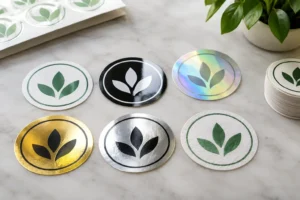
Compare popular sticker finishes for branding, from gloss and matte to clear, metallic and more, so every label, product or promotion looks spot on too.
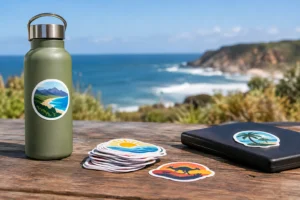
Choose outdoor sticker materials that stand up to sun, rain, salt spray and daily wear, with practical advice for labels, vehicles, windows, gear and more.
Need a sticker artwork design service? Get print-ready designs, unlimited proof changes and durable custom stickers made for tough Australian weather, promptly.
Need urgent sticker printing Australia-wide? Choose the right material, approve artwork fast and get durable custom stickers ready for your deadline today.